Optimize Product Images, Copy, Prices, SKUs and Variants before Publishing
After products enter NEOCO, your team can clean up images, rewrite product copy, adjust prices, refine SKUs and prepare listing data for store publishing, CSV export and content creation.
Optimization Path
Turn Imported Product Data into Better Listings
Imported product data is rarely ready as-is. This is where sellers make it cleaner, clearer and closer to the way they want to sell.
Open Product Record
Start from imported product data in the backend product library.
Improve Listing Fields
Rewrite titles and descriptions, adjust pricing, clean SKU data and normalize variants.
Prepare Product Media
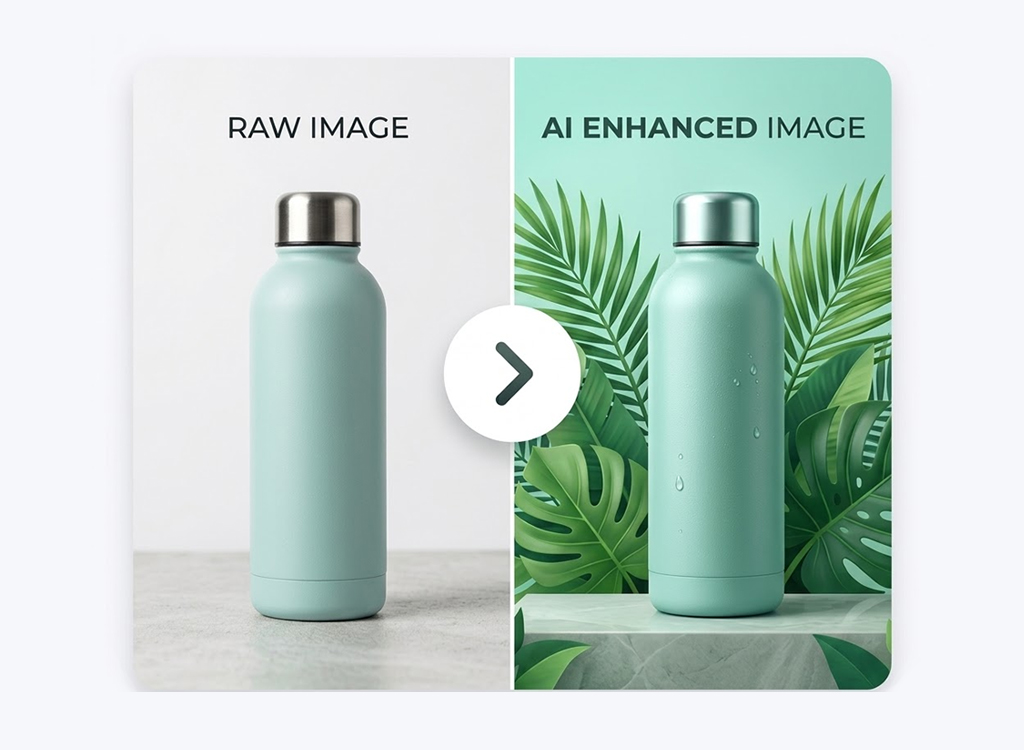
Review and improve product images before they are used in stores, exports or content.
Approve for Output
Move cleaned records to Shopify sync, marketplace CSV export or content creation.
Core Capabilities
Make Every Imported Product More Publishable
Good imports still need cleanup. NEOCO helps turn source-platform data into records you can actually use.
Product Image Optimization
Improve product visuals before they are used in listings, social posts or content tasks.
Title and Description Rewriting
Rewrite raw supplier copy into cleaner product descriptions and selling points.
Price Editing
Adjust pricing fields before products are pushed, exported or prepared for campaigns.
SKU and Variant Cleanup
Keep variants, options and SKUs structured so product data is easier to manage.
SEO-ready Product Copy
Prepare better product titles and descriptions for store pages and long-term discoverability.
Bulk Editing
Handle cleanup across many products without opening every listing from scratch.
Prepared Outputs
One Optimized Product Record Can Power Many Channels
Clean product data is more useful for Shopify sync, marketplace CSV export and product content.












Better Store Listings
Prepare products for Shopify publishing with cleaner images and stronger copy.
Cleaner CSV Exports
Export marketplace files from records that have already been reviewed and improved.
Stronger Content Inputs
Use optimized product data as the source for better videos, captions and blog drafts.
Organized Product Records
Keep pricing, SKU and variant data easier to manage as catalogs grow.
Why It Matters
Raw Product Data Is Rarely Ready to Sell
Imported product data often reflects the source platform, not your brand, pricing strategy or target store requirements.

FAQ
Product Optimization Questions
How optimization fits between import, content creation, sync and export.
Is optimization required before Shopify sync?
Can optimized product data be used for content?
Does this replace manual review?
Can I optimize products in bulk?
Start Optimizing
Clean Up Product Data Before It Goes Live
Import products, improve the records, and move cleaner listings into sync, export and content.
Start Free