Marketplace CSV Export Tool for Prepared Product Records after import and optimization
Import products, clean the listings and prepare CSV files for marketplace uploads when you are ready to move product data out of NEOCO. Free accounts can build and review products, but export is paid.
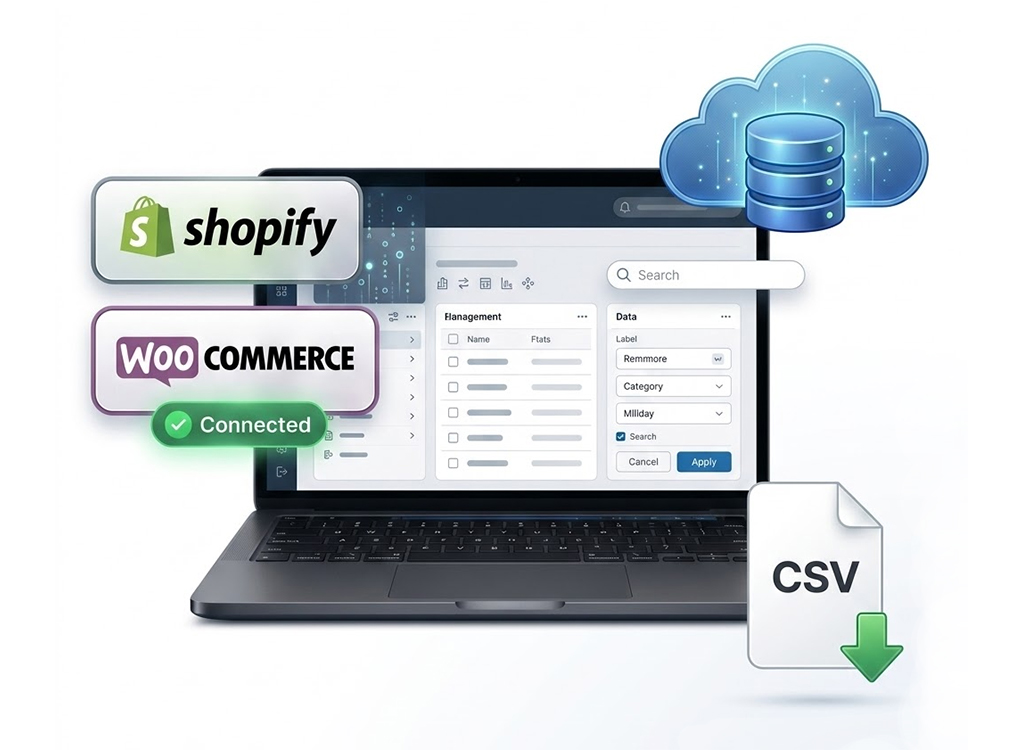
Product signals
Use Case
For Sellers Ready to Move Product Data Out
This page is for the moment after products have already been cleaned up. The work is no longer about collecting data; it is about getting reliable files your team can upload, hand off or keep on record.
How It Works
How This Works in NEOCO
Start with product data, improve the records, create content when needed and move products into the right destination.
Import Products
Start from Shopify, WooCommerce or marketplace product sources.
Optimize Records
Clean product titles, descriptions, images, SKUs, variants and prices before export.
Choose Export Type
Select the marketplace file you need after products are ready.
Download CSV Files
Paid accounts can export CSV files for marketplace upload or operational handoff.
Capabilities
What You Can Do with NEOCO
Use NEOCO to connect product sourcing, listing cleanup, content creation and store or marketplace output in one product backend.
Export After Cleanup
CSV output is more useful after product data has been reviewed and optimized.
Marketplace Coverage
Prepare product records for Amazon, AliExpress, Alibaba, eBay, 1688, Shein, Temu and more.
Clear Pricing Boundary
Free accounts cannot export. You can prepare products first, then upgrade when files need to leave the platform.
Shopify Sync Alternative
Use direct Shopify sync where API integration is live instead of downloading a file.
Bulk Output
Designed for many product records rather than one-off manual listing work.
Export History
Track output actions so teams know what has already been prepared or exported.
Comparison
CSV Export vs. Shopify API Sync
Different destinations need different output methods. NEOCO should explain both clearly.
Related Pages
Continue Through the Product Workflow
Explore the related feature pages that support import, optimization, content creation, sync, export and pricing decisions.
FAQ
Questions Before Choosing This Workflow
Short answers keep the page useful for search visitors and support FAQ structured data.
Is CSV export available on the Free plan?
Which marketplaces can use CSV export?
Is Shopify sync the same as CSV export?
Do credits pay for CSV export?
Start Free
Prepare Product Data for Marketplace Uploads
Clean product records first, then use paid export when you are ready to move product data into marketplace upload files.
Create Free Account