Chrome Extension Product Importer for Marketplace Product Data from sourcing pages to your backend
Capture product details from major marketplace pages with the Chrome extension, then review, clean and reuse those products for Shopify sync, paid CSV export or content.
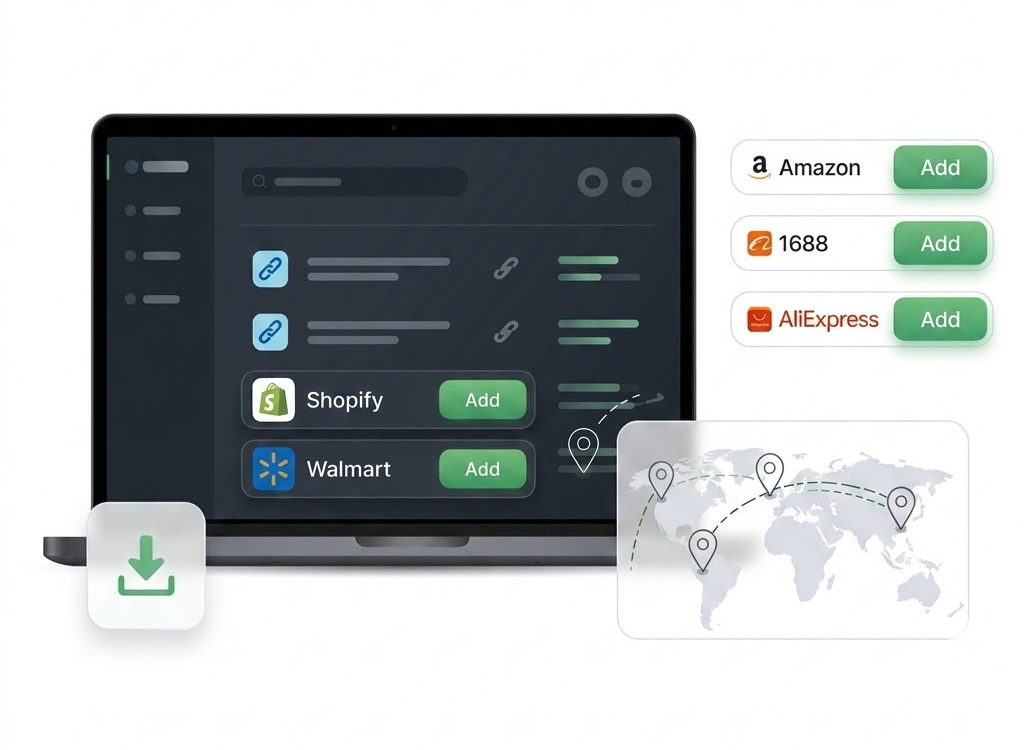
Product signals
Use Case
For Sellers Sourcing Across Many Marketplaces
Marketplace sourcing usually happens in the browser. A seller finds a product, checks the images and price, then needs a way to save the useful details without copying everything by hand.
How It Works
How This Works in NEOCO
Start with product data, improve the records, create content when needed and move products into the right destination.
Open Product Page
Use the extension while browsing supported marketplace product pages.
Capture Product Data
Collect available product information into NEOCO instead of copying images, descriptions and prices manually.
Review in NEOCO
Check captured products, clean fields and organize items before sending them anywhere.
Use the Product Later
Create content, sync to Shopify or use paid CSV export after the product is ready.
Capabilities
What You Can Do with NEOCO
Use NEOCO to connect product sourcing, listing cleanup, content creation and store or marketplace output in one product backend.
Marketplace Product Capture
Capture product records from Amazon, AliExpress, Alibaba, eBay, 1688, Shein, Temu and more.
Less Manual Copying
Reduce repeated copy-and-paste work when sourcing products from multiple platforms.
Product Library
Move captured products into one place for cleanup, review and reuse.
Listing Improvement
Improve imported titles, descriptions, images, prices, SKUs and variants before publishing.
Social Content
Use selected products to create videos, captions and content for social channels.
Clear Output Limits
Free users can test the product workspace; paid users get export and higher social publishing volume.
Comparison
One Extension Page Beats 12 Thin Marketplace Pages
This page can target broad marketplace extension intent while still covering each supported platform naturally.
Related Pages
Continue Through the Product Workflow
Explore the related feature pages that support import, optimization, content creation, sync, export and pricing decisions.
FAQ
Questions Before Choosing This Workflow
Short answers keep the page useful for search visitors and support FAQ structured data.
Which marketplaces does the Chrome extension support?
Is Shopify import handled by the Chrome extension?
What happens after a product is captured?
Should each marketplace have a separate page?
Start Free
Capture Marketplace Products into One Product Workflow
Use the Chrome extension to move marketplace product details from sourcing pages into NEOCO for review, cleanup and launch work.
Create Free Account