Shopify Product Importer for Product Data, Optimization and Sync without manual copying
Start with a Shopify store link, bring the products into NEOCO, clean up the listing details, create content when you need it, and send ready products back to your own Shopify store.
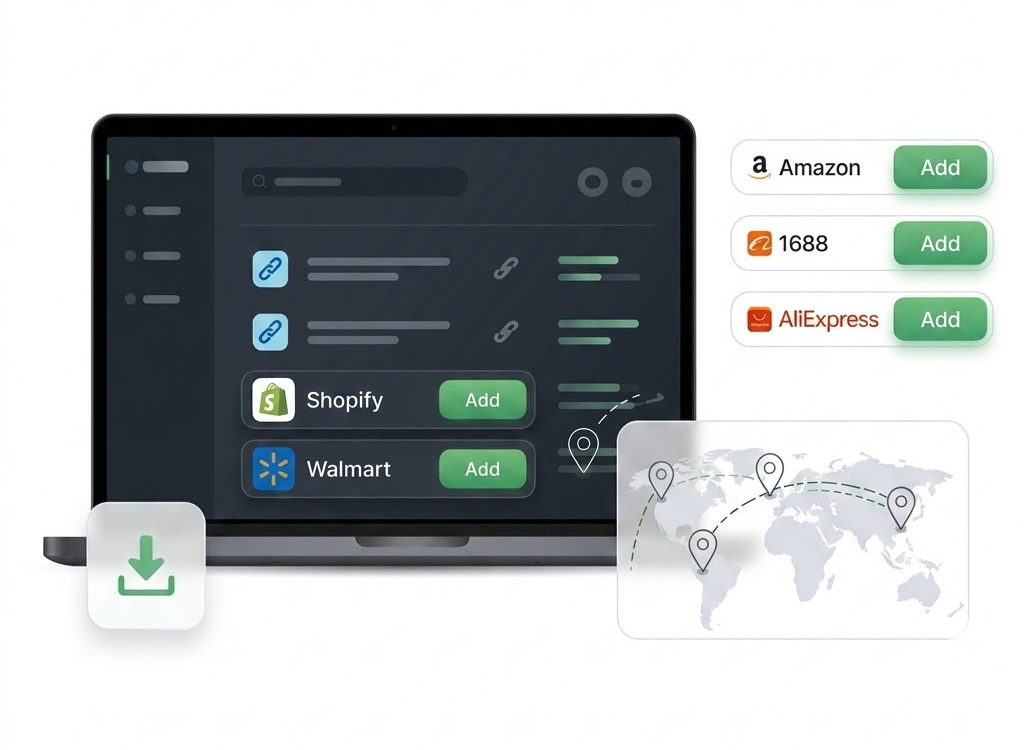
Product signals
Use Case
For Sellers Who Need More Than a Shopify Scraper
A scraper can help you collect fields. The harder part comes after that: checking images, rewriting weak copy, fixing variants and getting the product ready for your own store. That is the gap this page is built around.
How It Works
How This Works in NEOCO
Start with product data, improve the records, create content when needed and move products into the right destination.
Enter Store URL
Start with a Shopify store website link instead of manually copying product pages one by one.
Import Product Details
Bring in available titles, descriptions, images, prices, SKUs and variants without rebuilding every product by hand.
Clean the Listing
Rewrite weak copy, check images, adjust pricing and make the product fit your own store.
Sync to Shopify
Push ready products to your Shopify store through the live Shopify API integration.
Capabilities
What You Can Do with NEOCO
Use NEOCO to connect product sourcing, listing cleanup, content creation and store or marketplace output in one product backend.
Store URL Import
Use a Shopify store link as the starting point for collecting product data into NEOCO.
Product Data Cleanup
Turn source-store records into cleaner listings with better titles, descriptions, images, SKUs and prices.
Content from Products
Use imported products to create videos, images, captions, ads and blog drafts when you are ready to promote them.
One-Click Shopify Sync
Move optimized listings back into your Shopify store once product data is ready.
Free Product Workspace
Import, manage, optimize and sync products as core product tools. Generated content uses credits.
Next Steps in One Place
Move from import to cleanup, content, Shopify sync and pricing without stitching together several tools.
Comparison
Shopify Importer vs. a Single-Purpose Product Scraper
A scraper can collect data. NEOCO is designed to help sellers use that data after import.
Related Pages
Continue Through the Product Workflow
Explore the related feature pages that support import, optimization, content creation, sync, export and pricing decisions.
FAQ
Questions Before Choosing This Workflow
Short answers keep the page useful for search visitors and support FAQ structured data.
Can NEOCO import products from a Shopify store URL?
Can imported products be synced back to Shopify?
Does Shopify import use AI credits?
Is CSV export free?
Start Free
Import Shopify Products, Improve Listings and Sync Faster
Start with the store link, clean the products, create content when needed and sync ready listings without rebuilding everything manually.
Create Free Account