Import Product Data from Store URLs and Marketplace Platforms into One Product Library
NEOCO gives sellers two clean import paths: enter a Shopify or WordPress/WooCommerce store website link for independent-store catalogs, or use the Chrome extension to capture marketplace product data from major e-commerce platforms.
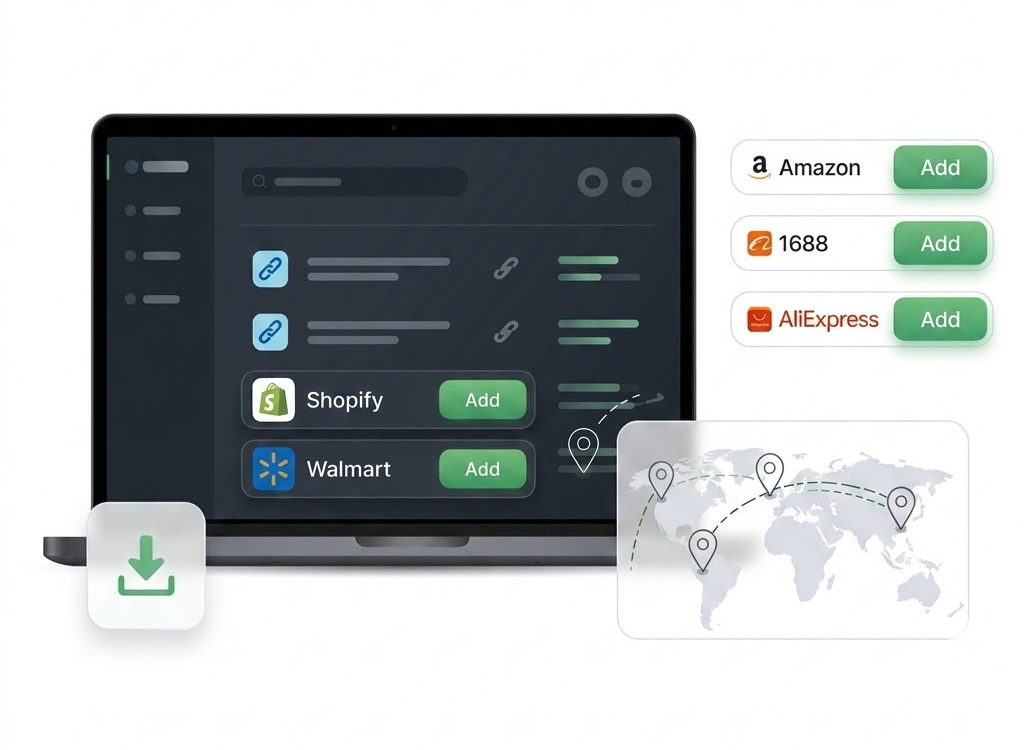
Import Path
Bring Product Data into NEOCO Without Manual Copying
Import is where the product record starts. After that, the same record can be cleaned up, turned into content, synced to Shopify or exported as a CSV file.
Choose Import Source
Start from a Shopify or WooCommerce store URL, or open a supported marketplace product page with the Chrome extension.
Capture Product Data
Collect titles, descriptions, images, prices, variants, SKUs and other product fields needed for management.
Review in Library
Bring imported products into a central backend where your team can check, organize and prepare records.
Keep Working from There
Send products into optimization, content creation, Shopify sync or marketplace CSV export.
Core Capabilities
Import Store Catalogs and Marketplace Products
NEOCO is for sellers who source products from many places and need one place to keep the details organized.
Store URL Import
Import independent-store catalogs from Shopify and WordPress/WooCommerce websites by entering the store link.
Chrome Extension Capture
Use the browser extension to capture product data from Amazon, AliExpress, Alibaba, eBay, 1688 and more.
Image and Variant Data
Bring product images, variants, prices and SKUs into the backend instead of rebuilding them manually.
Batch Product Collection
Collect product records in batches so research, sourcing and listing work can happen faster.
Central Product Library
Keep imported products in one place before editing, publishing, exporting or generating content.
Ready for the Next Step
Prepare imported product data for listing cleanup, Shopify sync, CSV export and social content creation.
Supported Sources
Built for Real E-commerce Sourcing
Use store links for independent stores and the Chrome extension for marketplace product capture.












Product Titles
Capture source product names for later editing, SEO rewriting and listing preparation.
Images
Collect product media for cleanup, content tasks and marketplace publishing.
Variants and SKUs
Keep option, variant and SKU data connected to the product record.
Prices and Descriptions
Bring pricing and copy into the backend so your team can refine before publishing.
Why It Matters
Product Import Should Lead Somewhere Useful
Import should lead directly into useful product work: better listings, product content, Shopify sync and CSV export.
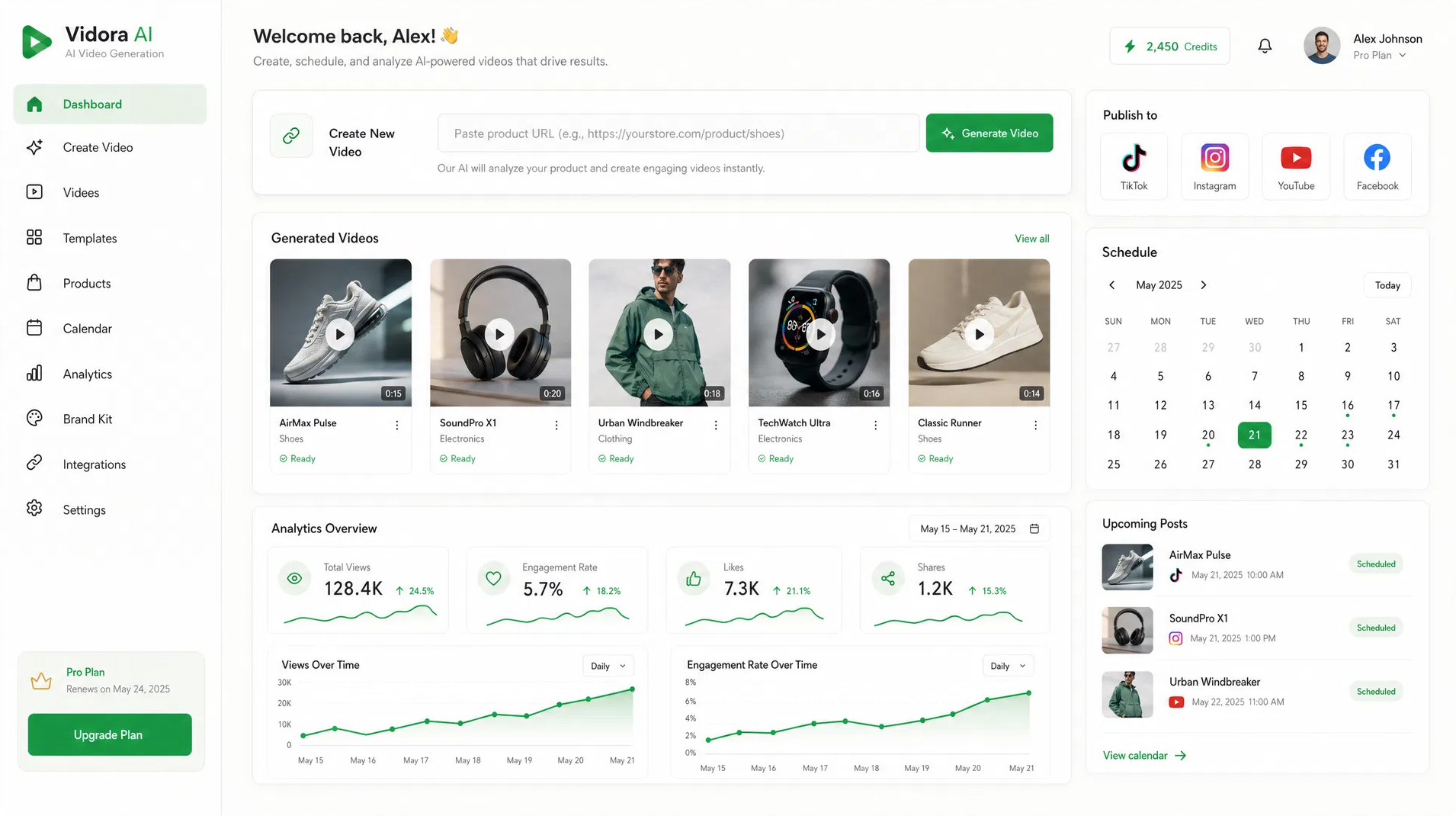
FAQ
Product Import Questions
Clear answers before imported products move into the rest of NEOCO.
Do Shopify and WooCommerce imports use the Chrome extension?
Which marketplaces are supported?
What happens after products are imported?
Can I import products in batches?
Start Importing
Build Your Product Library Faster
Bring store and marketplace product data into NEOCO, then manage, improve and publish it from the same backend.
Start Free